
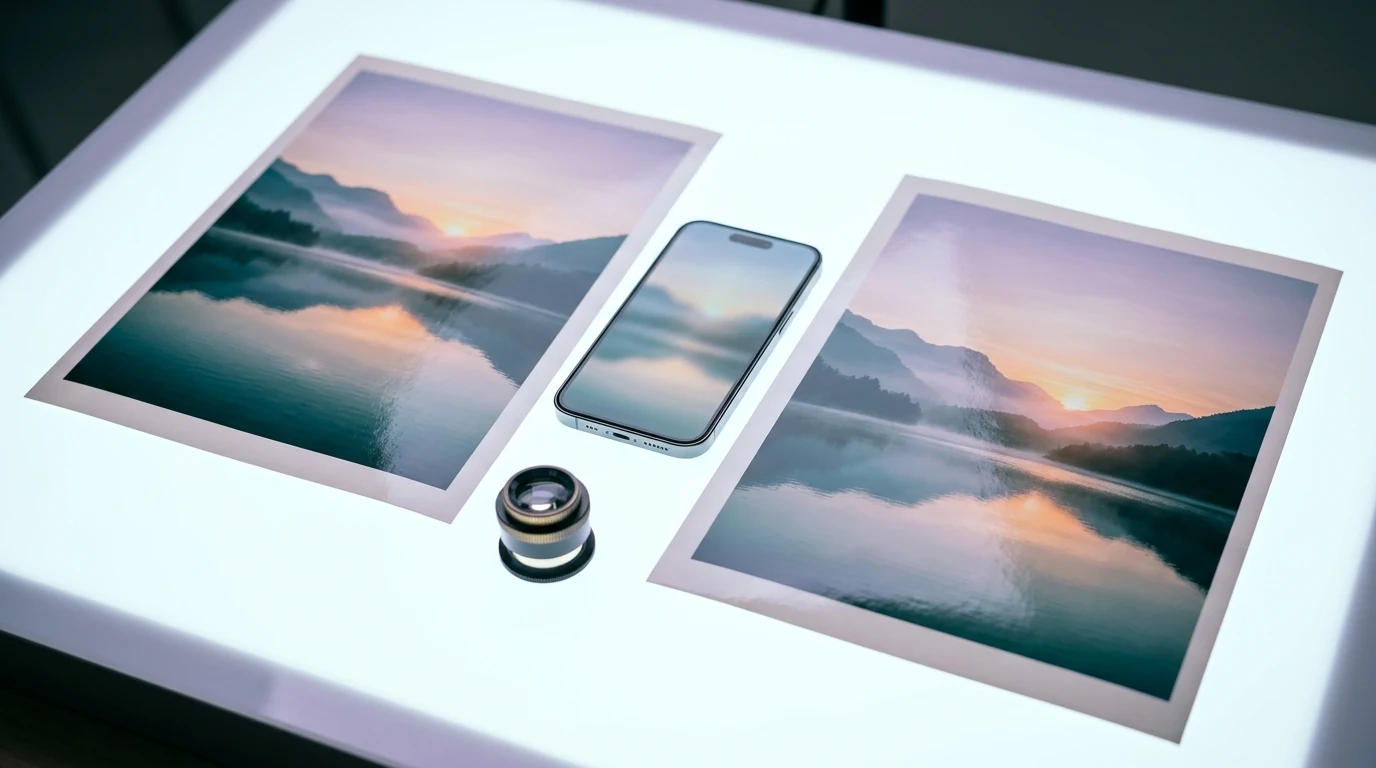
The short answer to HEIC vs JPG: HEIC is the better format for storing photos on Apple devices, because it takes less space at the same visual quality. JPG is the better format for sharing, uploading, and printing, because almost every app, website, and operating system opens it without extra software.
Most people do not need to pick one forever. A practical setup is to let the phone shoot in HEIC and convert only the photos that leave your devices. The rest of this guide explains why, and shows the few cases where switching the camera to JPG is the simpler choice.
What HEIC and JPG actually are
JPG (also written JPEG) has been the default photo format on cameras and the web since the 1990s. It compresses images by discarding detail the eye is unlikely to notice, and it stores 8 bits per color channel.
HEIC is Apple’s file extension for images saved in HEIF, the High Efficiency Image File Format. According to Apple’s support article on using HEIF and HEVC media on Apple devices, support arrived with iOS 11 and macOS High Sierra, and the format offers better compression than JPEG while preserving the same visual quality. HEIF can also hold more than one image in a file, which is how Live Photos and bursts are stored, and it supports greater color depth than JPG.
HEIC vs JPG side by side
| Factor | HEIC | JPG |
|---|---|---|
| File size at similar quality | Smaller | Larger |
| Color depth | Up to 16 bits per channel | 8 bits per channel |
| Multiple images in one file | Yes (Live Photos, bursts) | No |
| Opens on iPhone, iPad, Mac | Yes, natively | Yes |
| Opens on Windows | Often needs Microsoft’s HEIF Image Extensions | Yes |
| Website and form uploads | Frequently rejected | Accepted almost everywhere |
| Printing services | Inconsistent | Standard |
| Best use | Storing your own library | Sharing, uploading, printing |

Where HEIC wins
Storage
The main reason HEIC exists is space. If you keep thousands of photos on a phone or in iCloud, a more efficient format means the same library uses less storage, which can delay the moment you need a bigger plan. Apple does not publish a fixed percentage, and the real saving depends on the scene, so treat any precise number you see online with caution.
Image detail for editing
Because HEIF can store more color information, gradients such as skies and skin tones hold up a little better when you push exposure or color in an editor. For casual photos the difference is small; for photos you plan to edit heavily, keeping the original HEIC is the safer choice.
Live Photos and bursts
A JPG holds one frame. Converting a Live Photo or a burst to JPG keeps a single still and drops the rest, so convert a copy, never the only version.
Where JPG wins
- Upload forms: government portals, job applications, insurance claims, and many online stores accept only JPG or PNG.
- Windows computers: older or freshly installed Windows PCs may show HEIC files as unreadable until an extension is installed.
- Email to anyone: you rarely know what device the recipient uses, and JPG removes the guesswork.
- Printing: photo labs and office printers handle JPG reliably.
- Making PDFs: most converters expect JPG input. Our guide to converting JPG files to PDF covers the next step.

Which format should you choose?
Keep HEIC if you mostly use Apple devices, store a large library, and share through apps that convert automatically, such as Messages or AirDrop to another Apple device.
Switch the camera to JPG if you constantly move photos to a Windows PC, upload images to work systems every day, or hand photos to people who struggle with unfamiliar files. On iPhone, the setting is Settings > Camera > Formats > Most Compatible. New photos are then saved as JPEG; existing ones stay as they are.
Convert only when needed if you want the best of both. Keep originals in HEIC and export JPG copies for the handful of photos that leave your devices. The file format decision helper can suggest a format when you are unsure what a destination expects.
Does converting HEIC to JPG reduce quality?
Yes, a little, because JPG is a lossy format. At a high quality setting the difference is usually invisible on screen, but the JPG copy will be larger than the HEIC original and will lose extra frames and some color depth. Converting the same file back and forth repeatedly adds more loss each time, so always start a new conversion from the original.
If a converted JPG is too heavy for an upload limit, reduce it with the methods in our overview of file compression techniques instead of lowering the quality slider to its minimum.
Common mistakes
- Deleting the HEIC originals after a bulk conversion, then discovering the JPG copies lost Live Photo motion.
- Uploading HEIC photos to a free online converter without checking how the site stores files. Our checklist on how secure online tools are applies to photos too, especially pictures of documents.
- Switching the whole camera to JPG to solve a problem that happens twice a year.
FAQ
Is HEIC better quality than JPG?
At the same file size, HEIC usually keeps more detail and color information. At high JPG quality settings, most people will not see a difference in normal viewing.
Why does my iPhone save photos as HEIC?
The default camera setting, High Efficiency, saves photos in HEIF to use less storage. You can change it under Settings > Camera > Formats.
Can Windows open HEIC files?
Recent versions of Windows can, but many PCs need Microsoft’s HEIF Image Extensions from the Microsoft Store before the Photos app displays them.
Will switching to Most Compatible convert my old photos?
No. The setting affects only new photos. Existing HEIC files have to be converted separately.
Next step
If you work on a Mac, converting a few HEIC photos takes less than a minute with tools that are already installed. Our step-by-step guide to converting HEIC to JPG on a Mac covers the Finder Quick Action, Preview, and the Photos app, including batch conversion. Whatever method you use, keep your originals and convert copies only when a destination asks for JPG.

Roger Simas is the researcher and editor behind SHP Digital Atelier. He has no formal IT certification; his work is reading official documentation, plan pages, and help centers, comparing limits and real costs, and turning what he finds into practical guides about files, workflows, and SaaS tools. Corrections from readers are welcome at contact@ateliershp.com.