
Author: Roger Simas
-
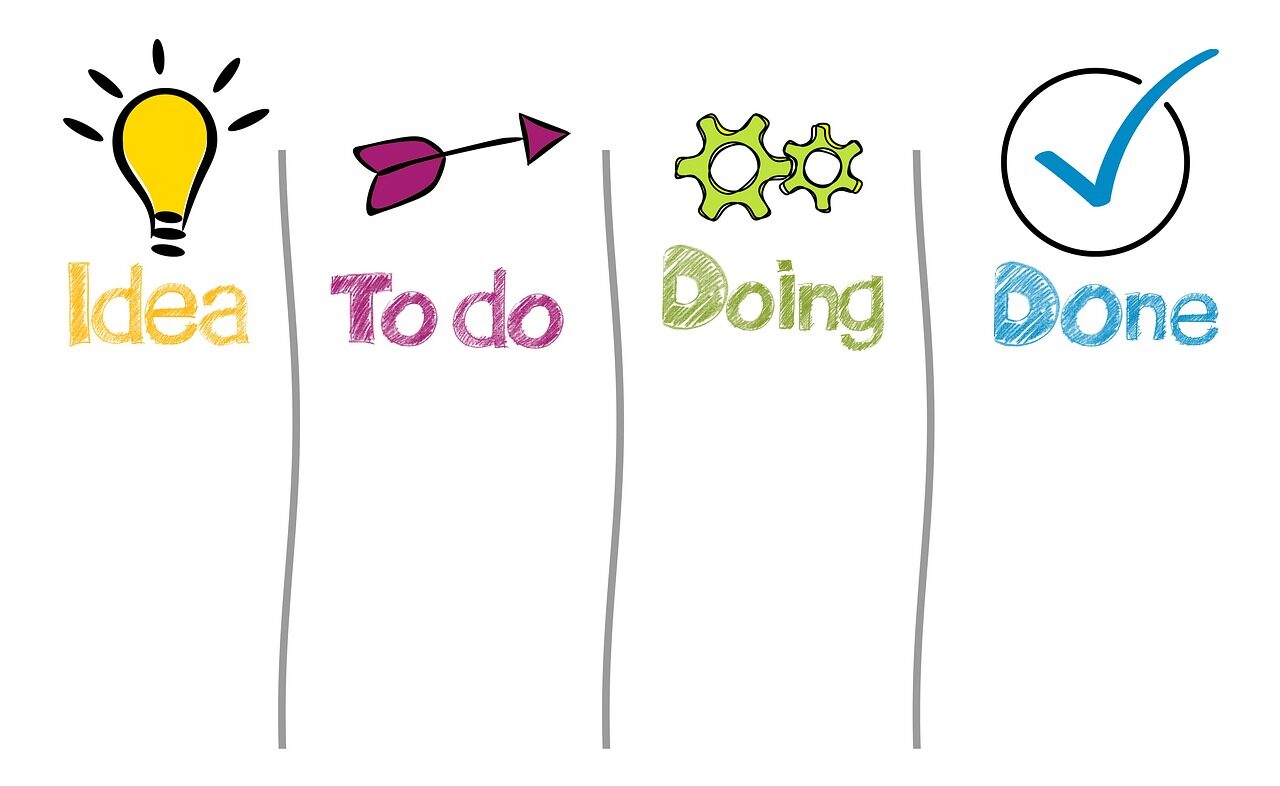
Build a high-efficiency digital workflow by centralizing tasks, automating repeat actions, and reviewing priorities daily. The result is faster execution, fewer errors, and clearer focus.
-

Use a clear folder structure, consistent file names, and task priorities by deadline and impact. Review weekly to archive clutter, surface next actions, and keep work easy to find and finish.
-

Master PDFs efficiently: merge reports, split large files, and organize pages by drag-and-drop, naming rules, and bookmarks to keep documents clean, searchable, and easy to share.
-

Top remote-work automation tools streamline task management, meeting scheduling, team communication, and file syncing-cutting manual work, reducing delays, and boosting productivity across distributed teams.
-

Online tools can boost efficiency, but security varies widely. Review encryption, data retention, access controls, and vendor policies before uploading sensitive information.
-
Top file compression techniques include lossless methods like ZIP and 7z for data integrity, solid archiving for higher ratios, and format-specific codecs to reduce storage use and speed up transfer times.
-

In 2026, top productivity tools compete on AI automation, collaboration, security, and pricing. The best choice depends on whether teams value speed, integration depth, or enterprise control.
-

Edit and sign documents online securely with browser-based tools that use encryption, access controls, and audit trails-no software installs required. Choose services with strong privacy policies and verified compliance.
-
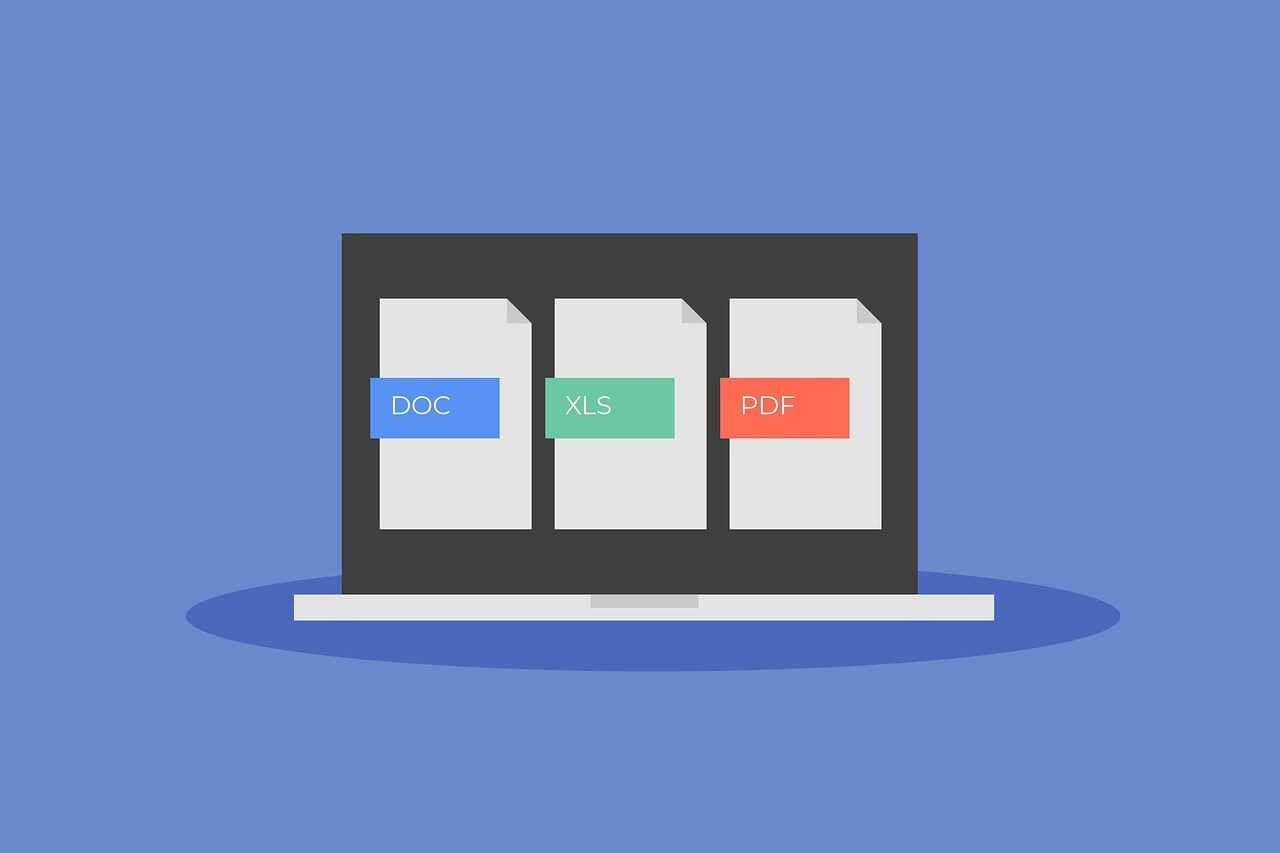
Learn how to compress PDF files without losing quality using proven, step-by-step methods. Reduce file size, preserve clarity, and optimize documents for sharing, storage, and faster uploads.
-
Discover the best free and paid online productivity tools to streamline tasks, improve collaboration, and save time. Compare features that help teams and individuals work smarter every day.